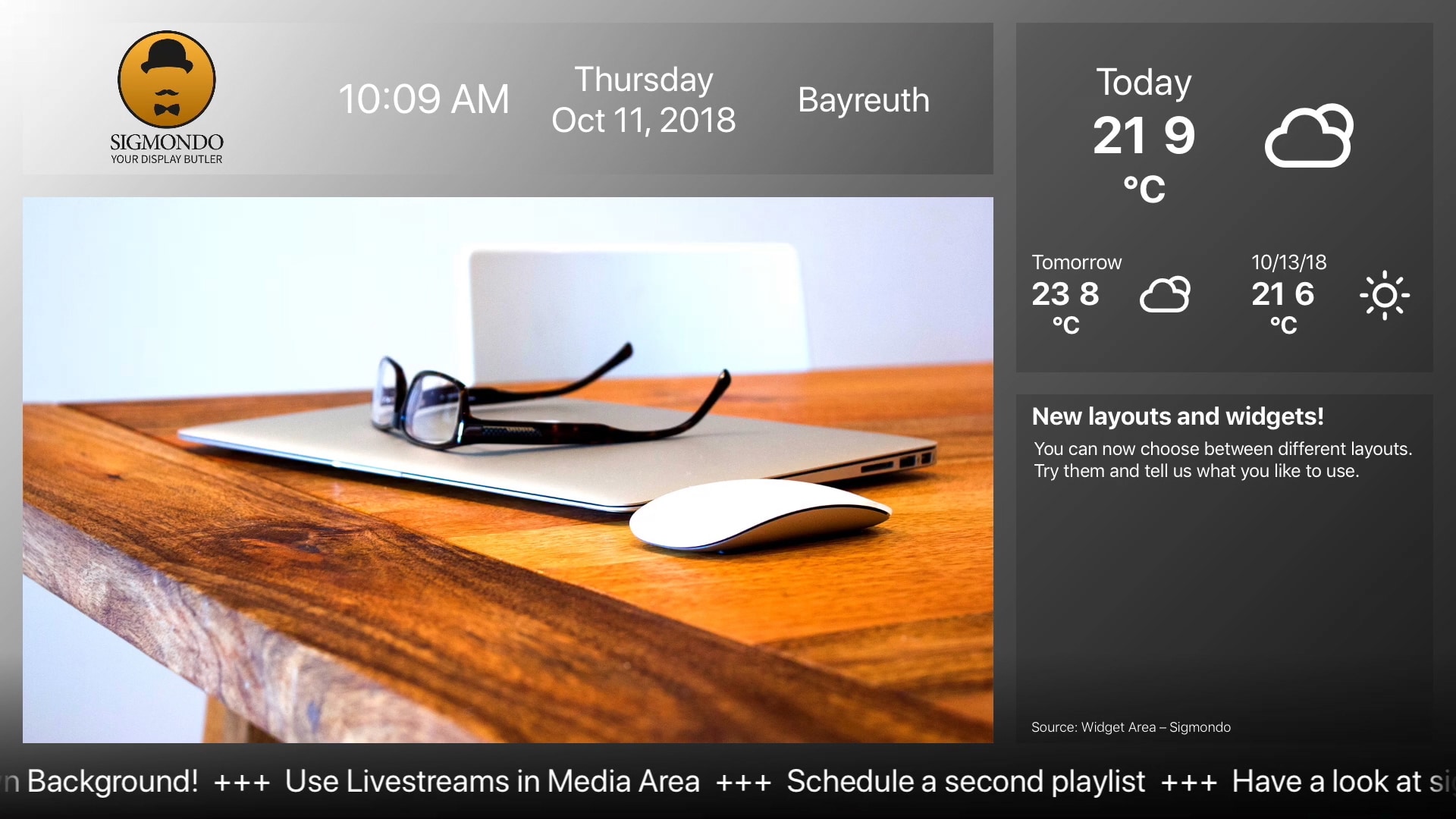
THE FIRST STEPS

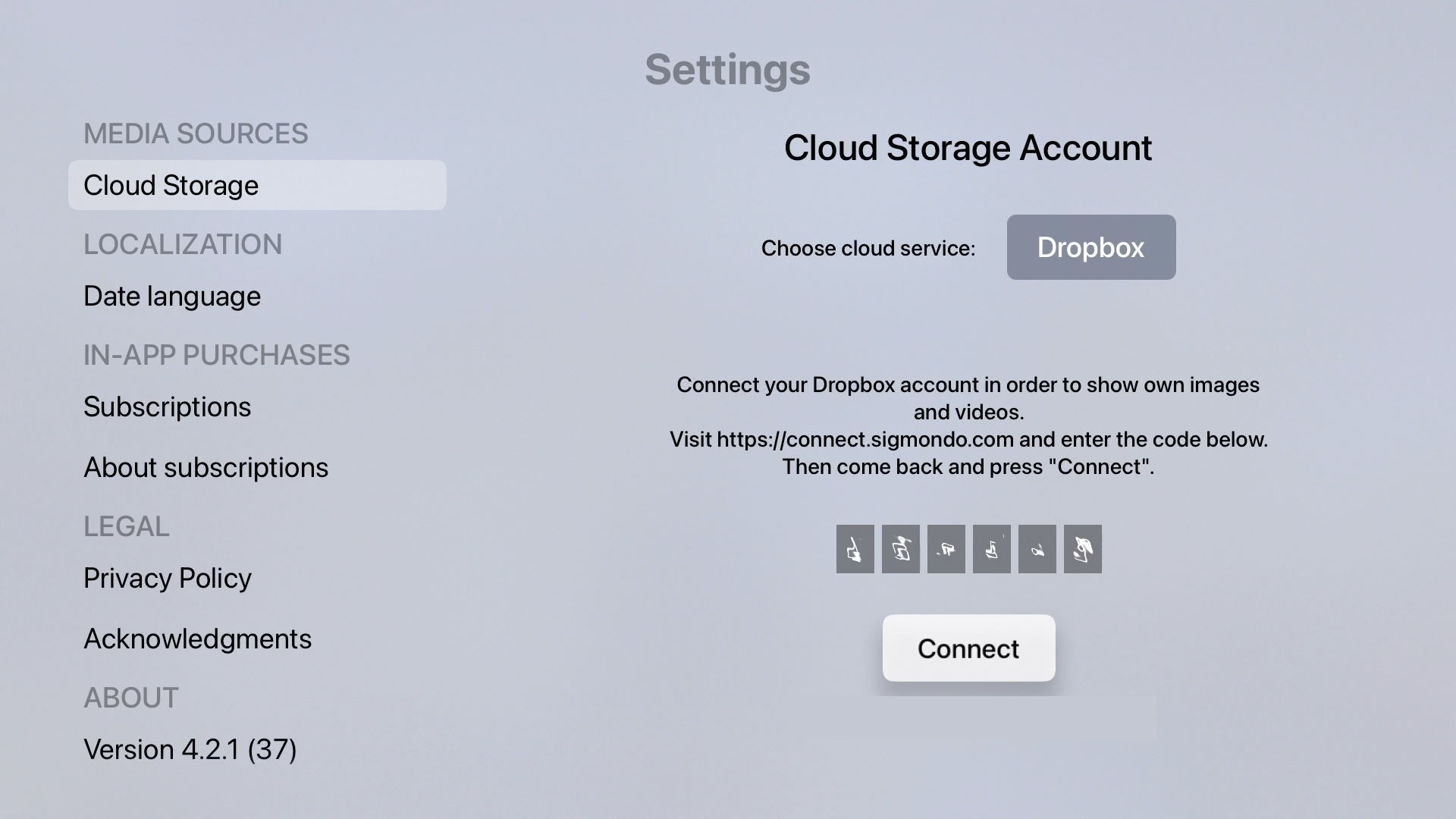
  • Allow the Sigmondo app on your Apple TV to access your Dropbox or OneDrive folder via a simple one time only link.
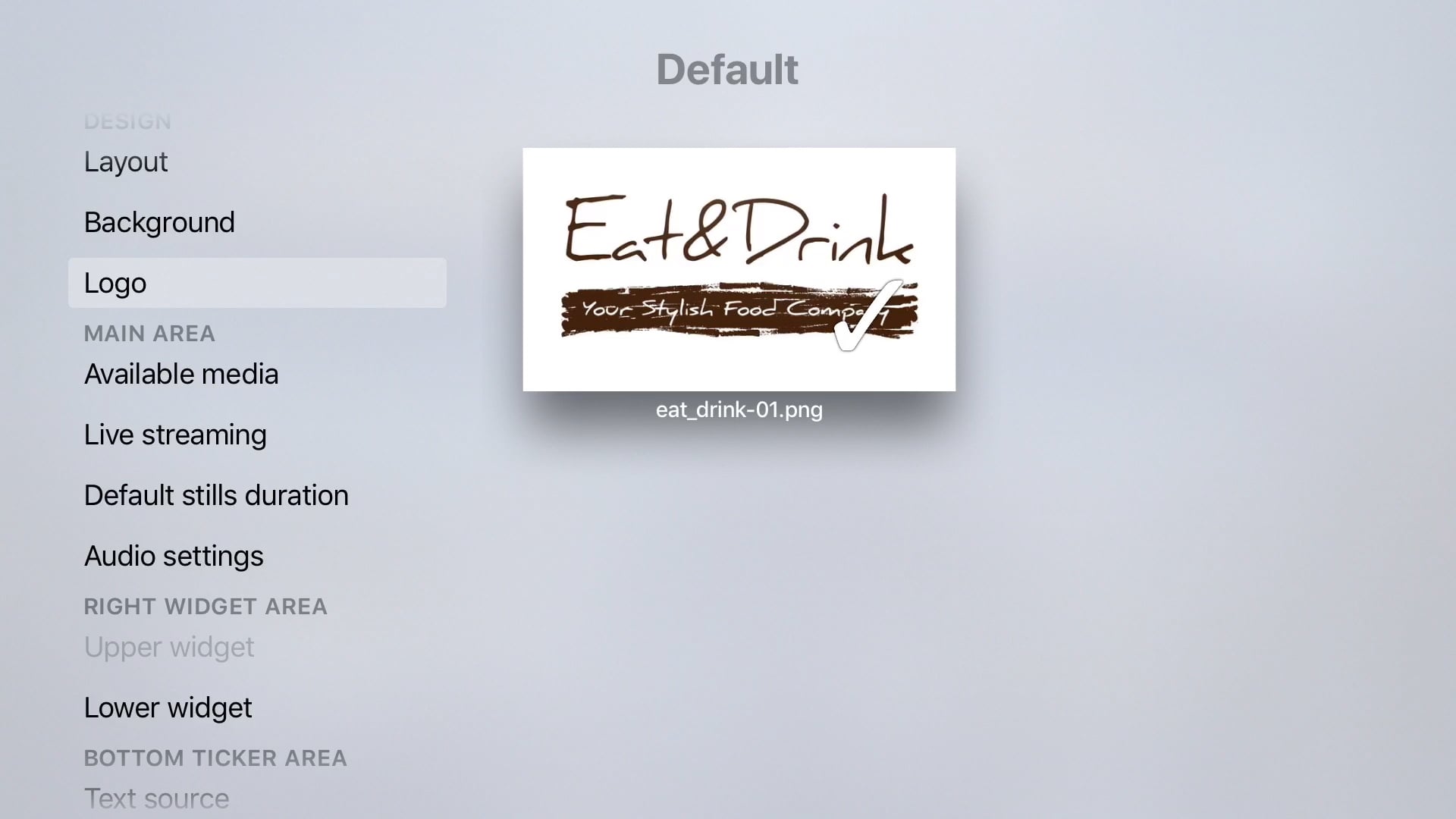
  • Drop your logo, your videos and stills in the Apps folder in your Dropbox / OneDrive (on a Mac, PC or Mobile Device)
  • Hit play in Sigmondo to screen everything in a loop.

Watch the VIDEO TUTORIAL

Discover MORE FEATURE

Watch video tutorials get the full potential out of Sigmondo.

Filters
Please select your Sigmondo version to filter the feature-list.
Reset

USING WIDGETS

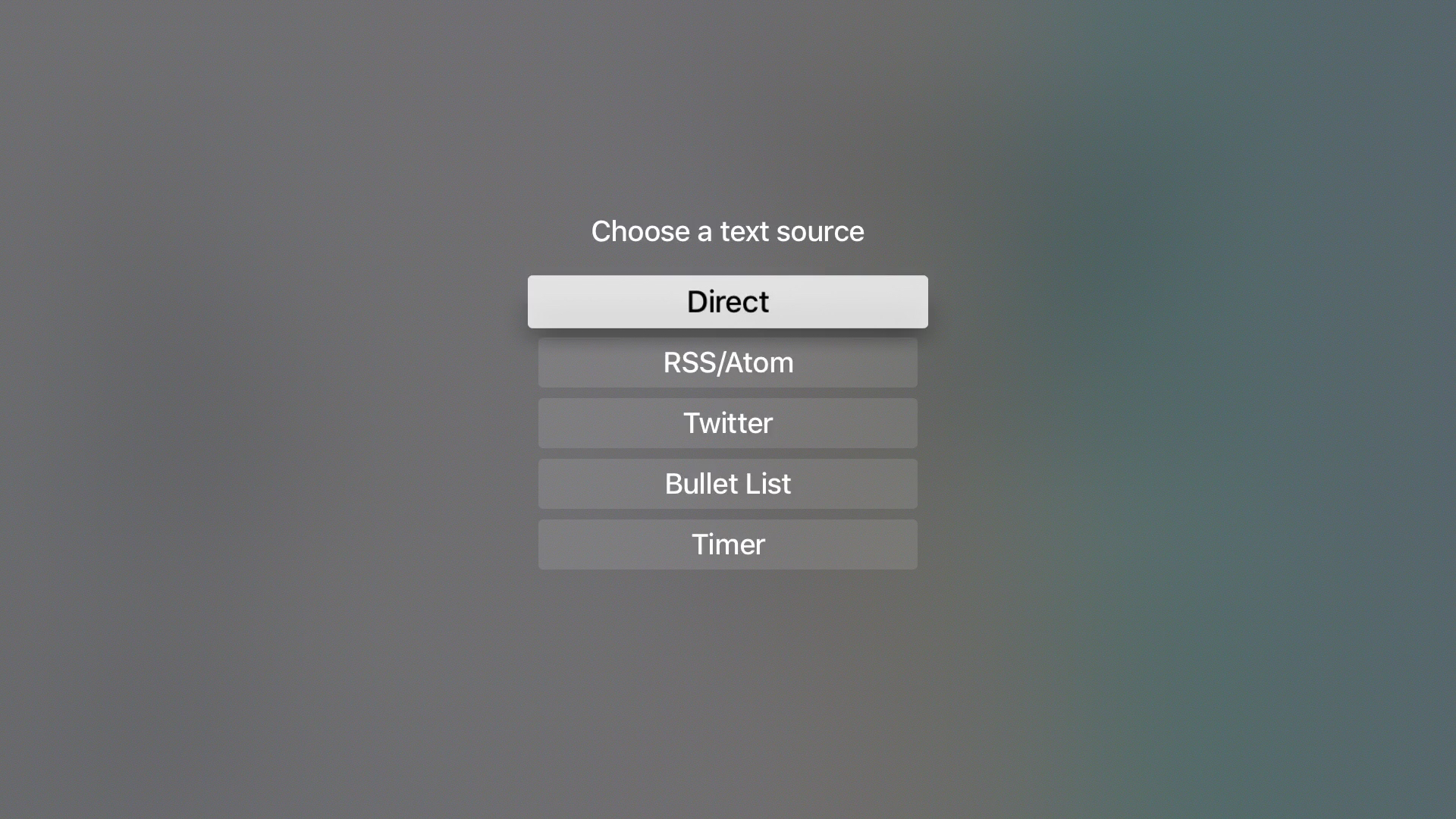
Bring in text from different sources

SCHEDULE OPTIONS

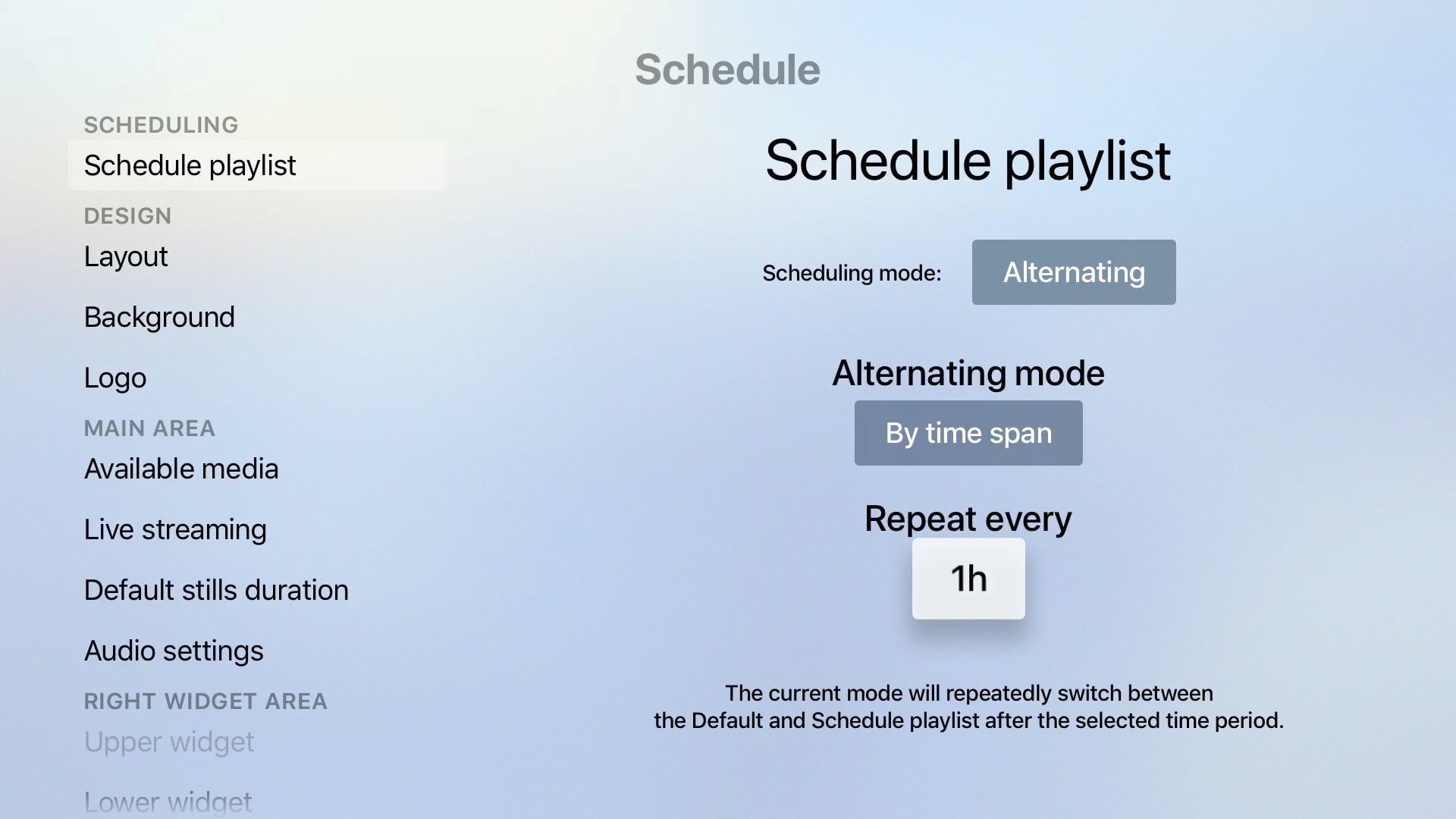
Use the different time options.

CHOOSE A LAYOUT

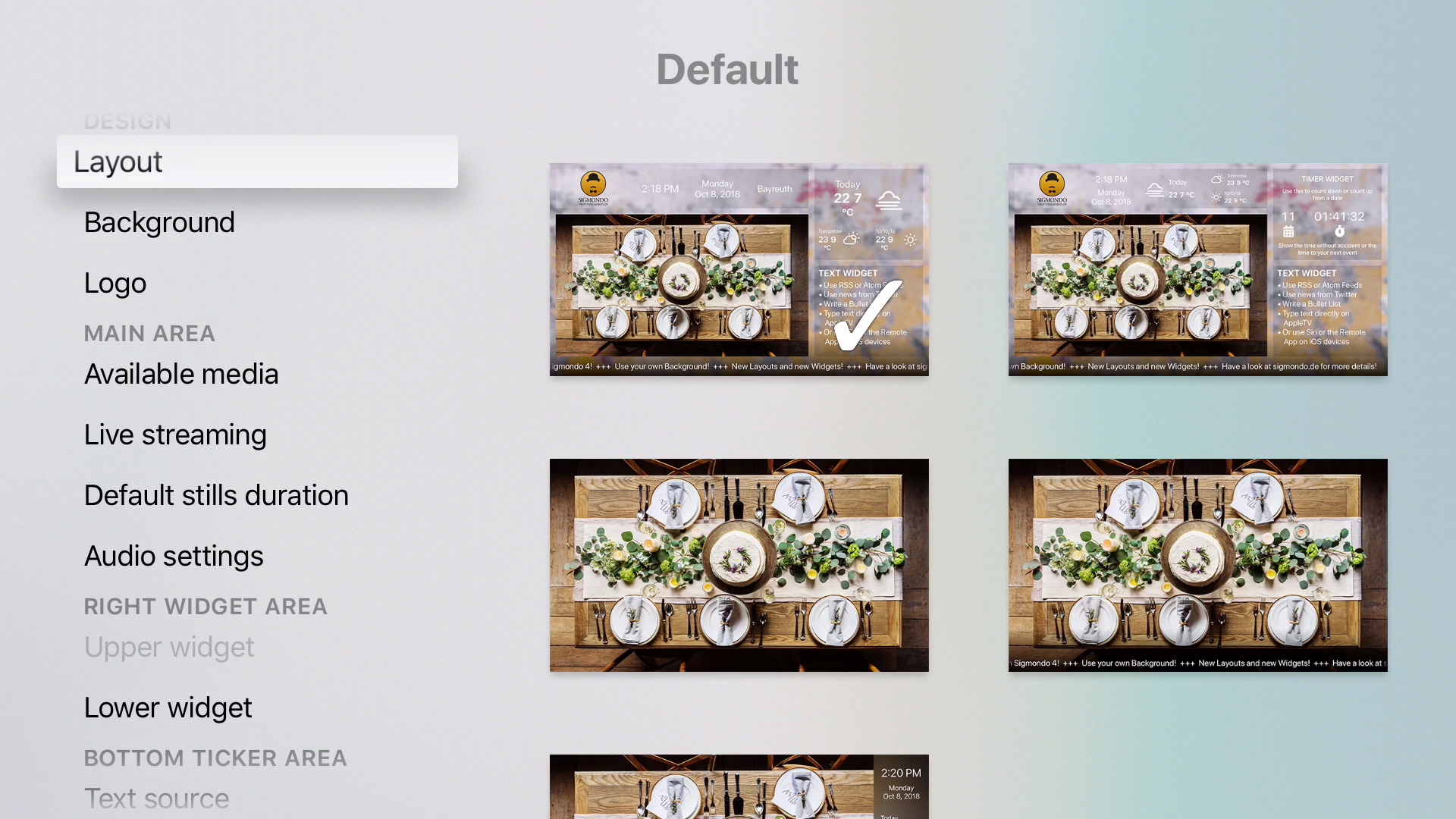
Change the look by choosing layouts

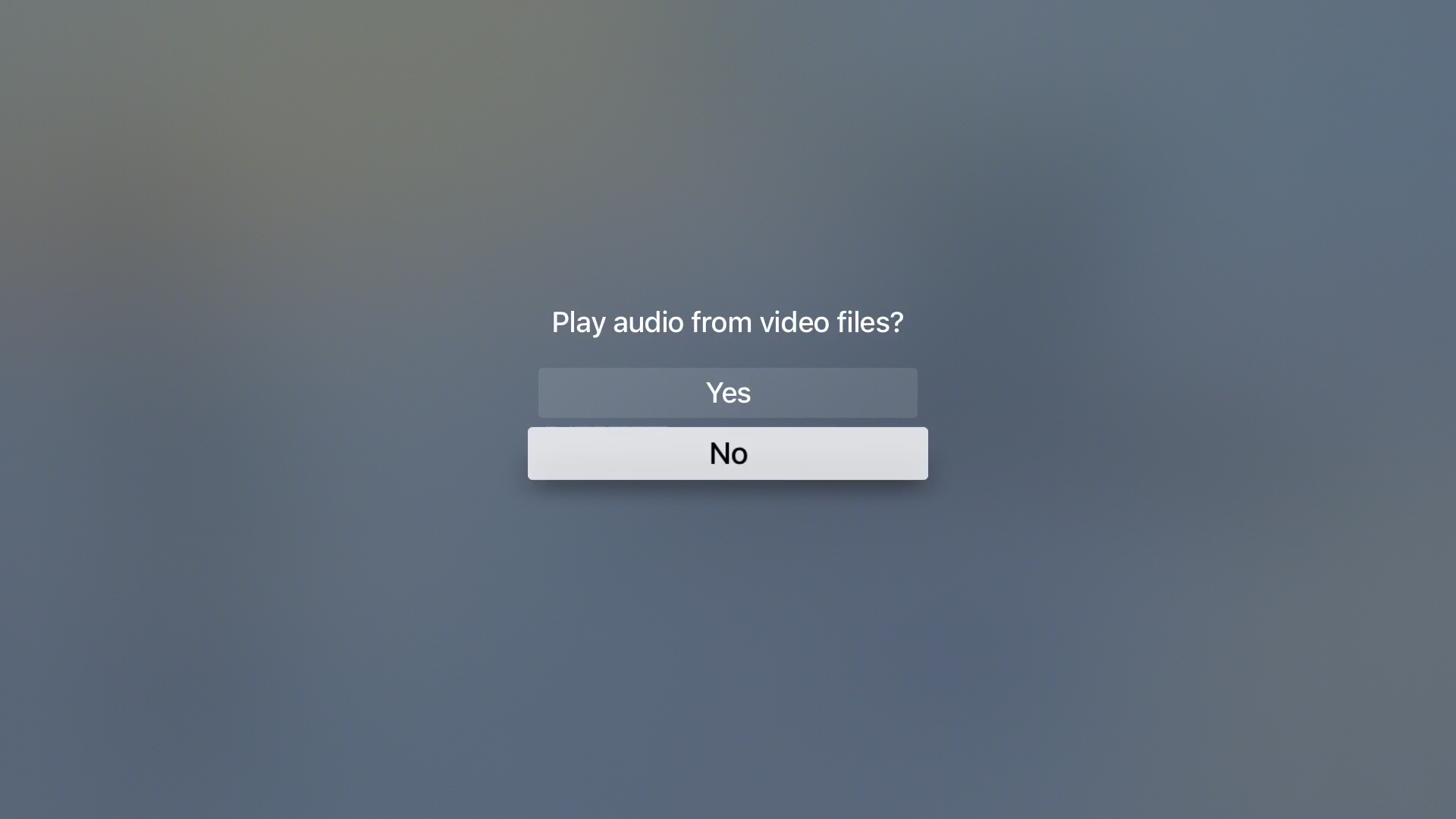
Sigmondo Settings Audio

AUDIO SETTINGS

How to apply Audio

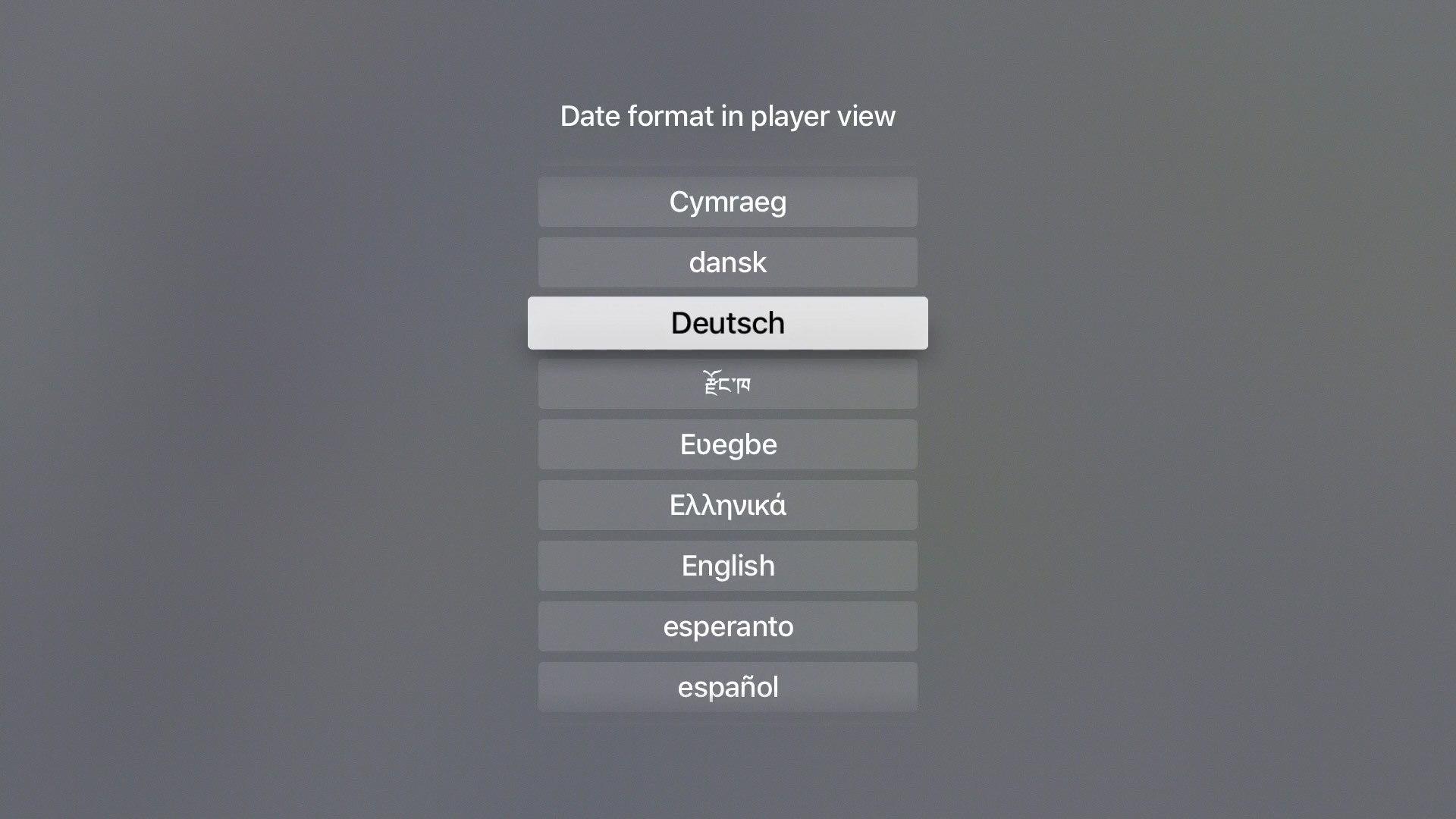
DATE LANGUAGE SETTINGS

Show the date in your language
THE FIRST STEPS with Sigmondo Portrait

Watch how to start using Sigmondo