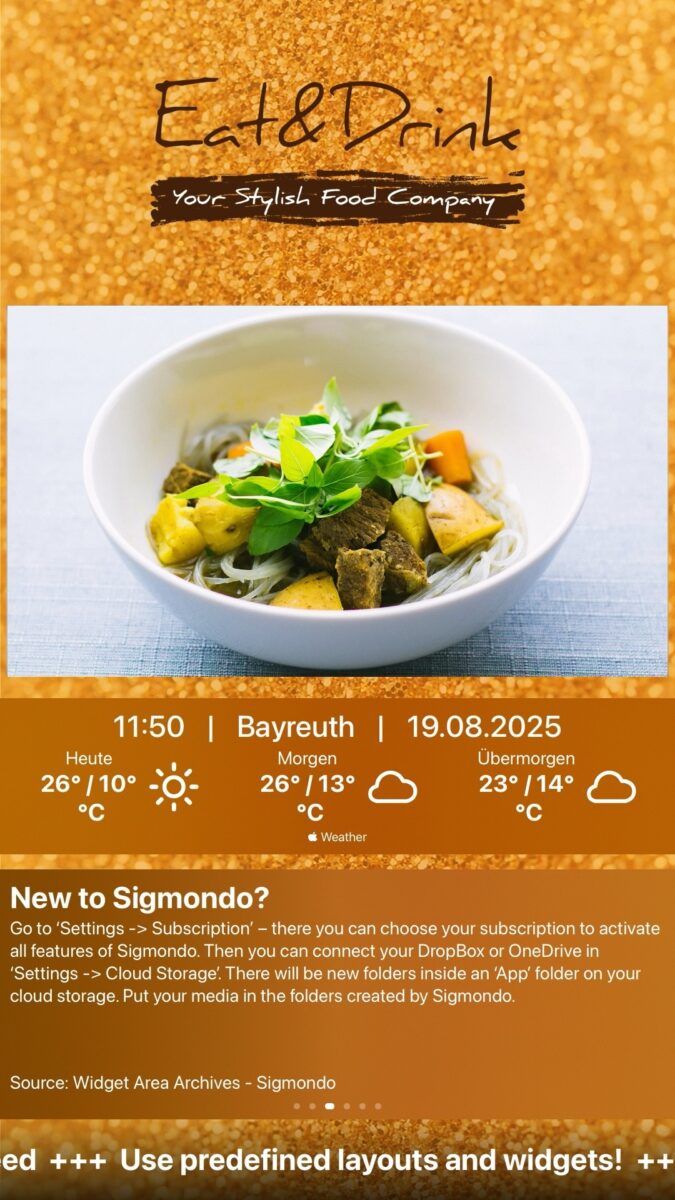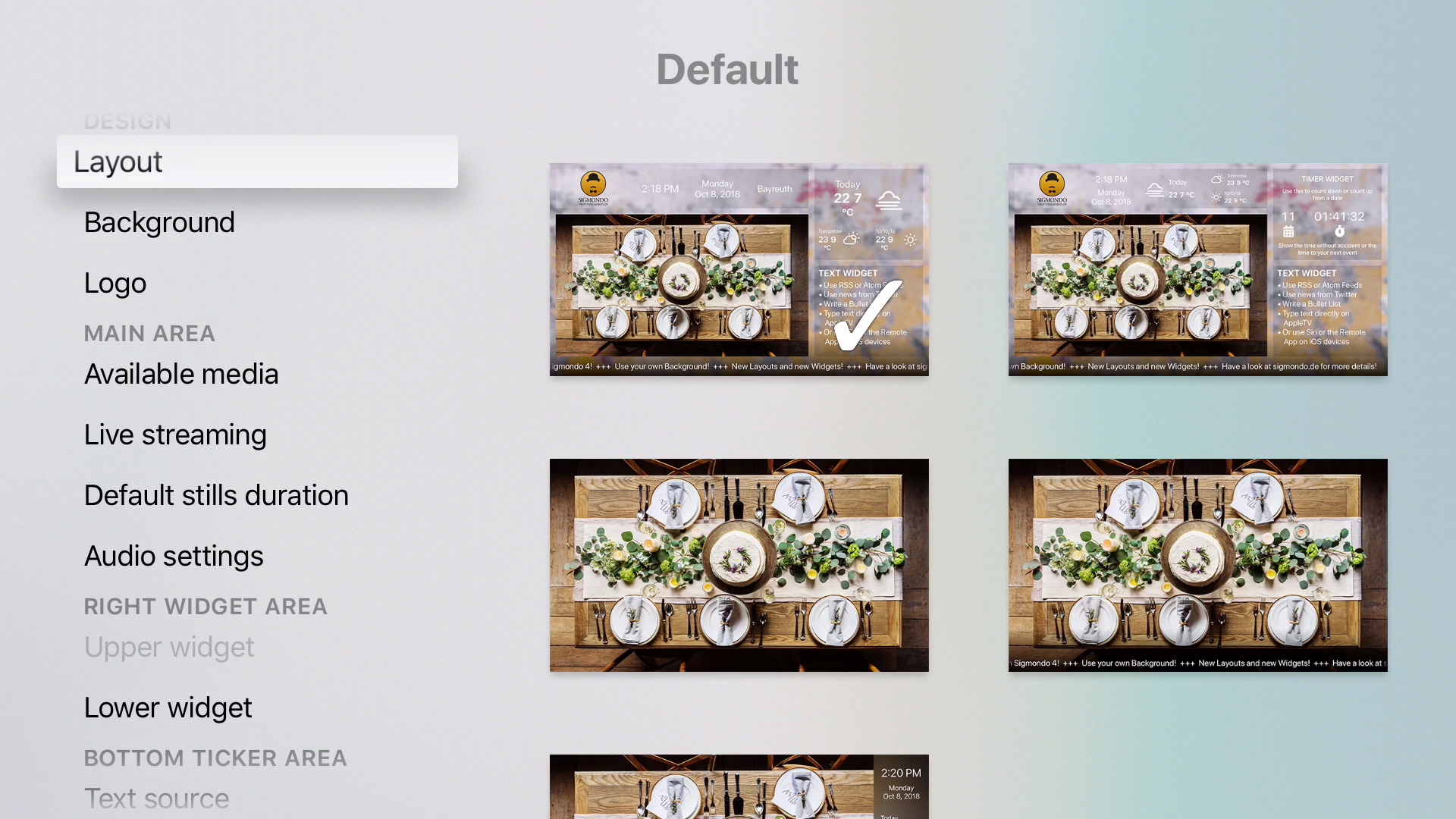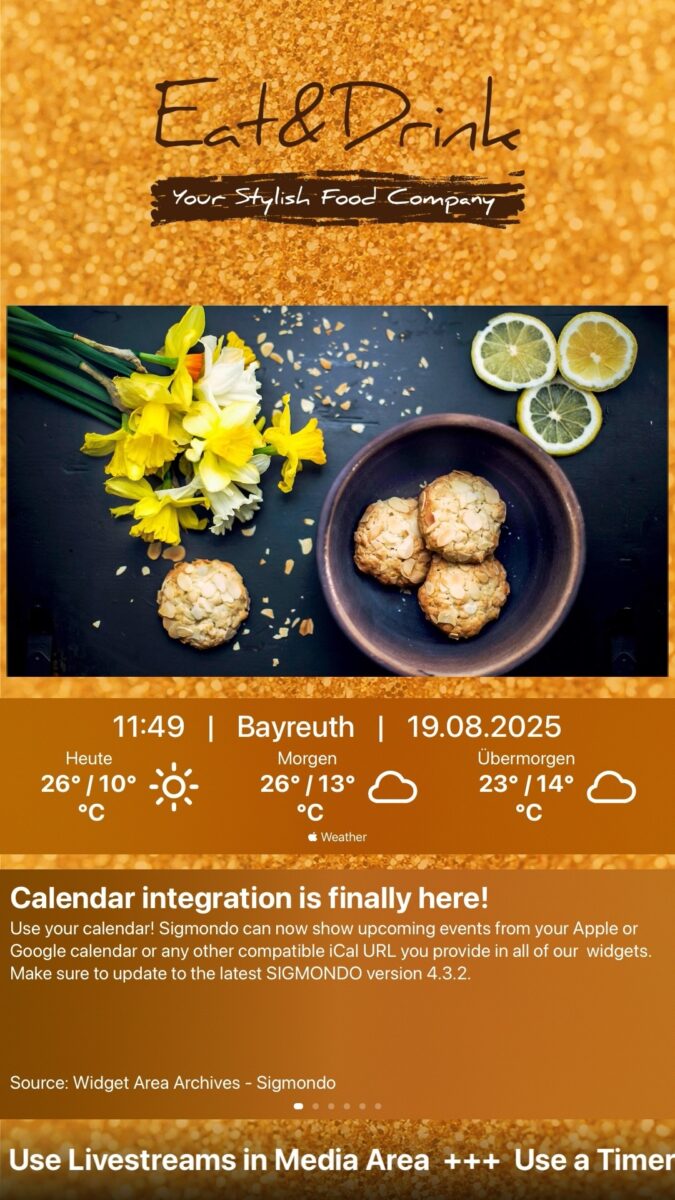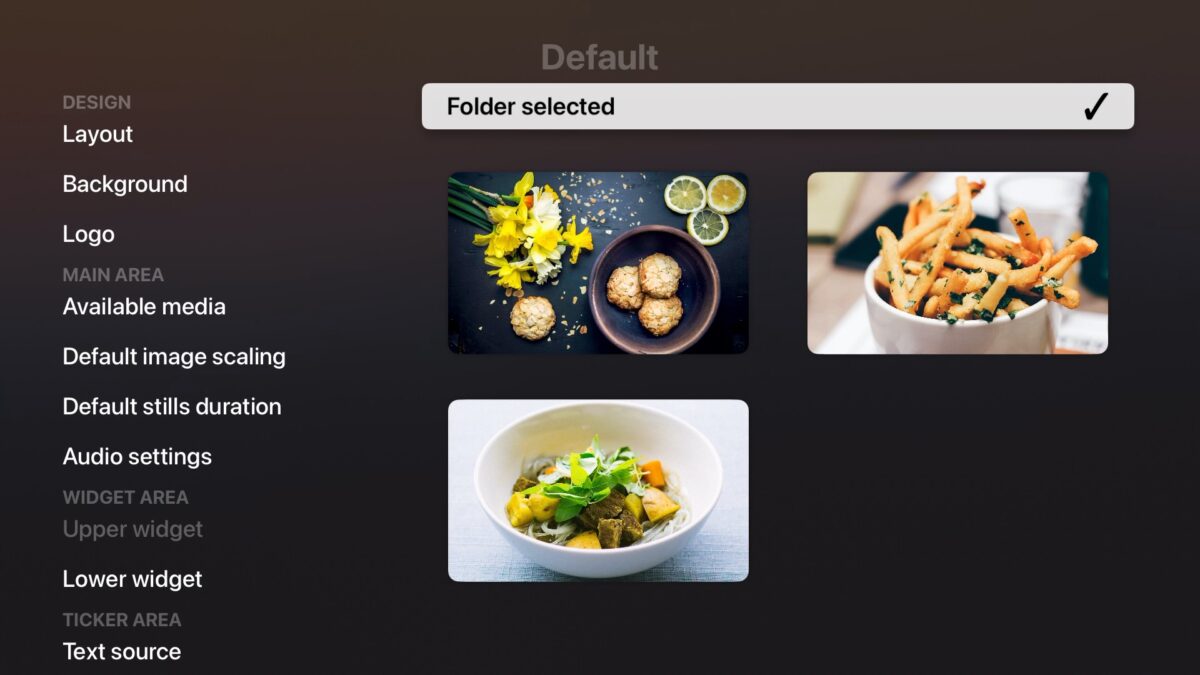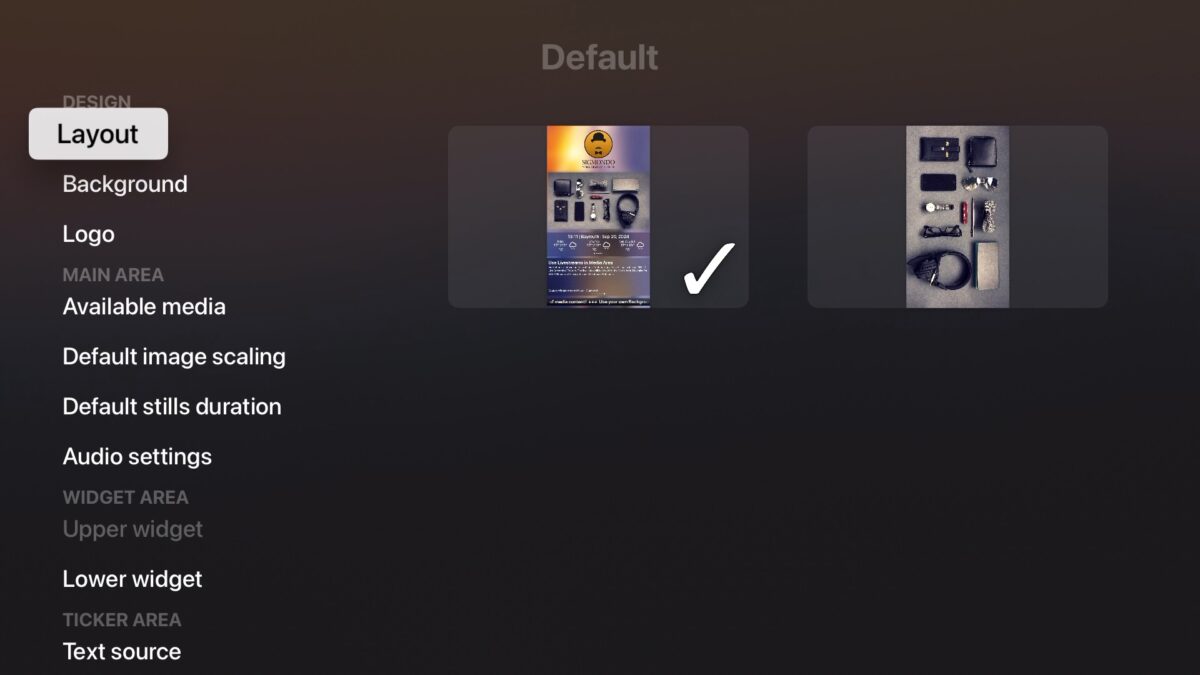

Sigmondo Portrait is designed for monitors in waiting and reception areas, at trade fairs, in lounges, restaurants, and sales areas, or even at event venues. Sigmondo is also frequently used in schools and community centers.
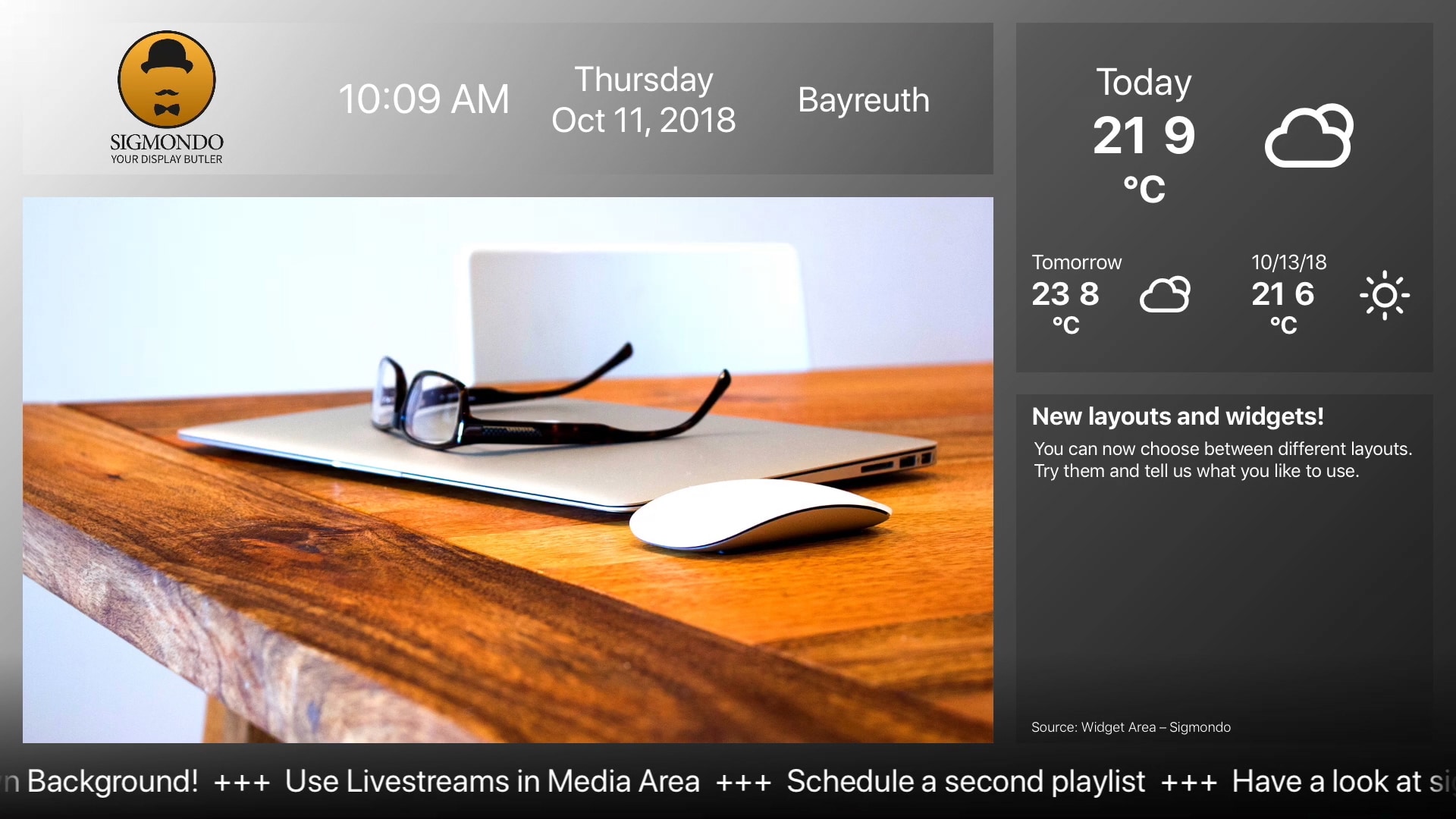
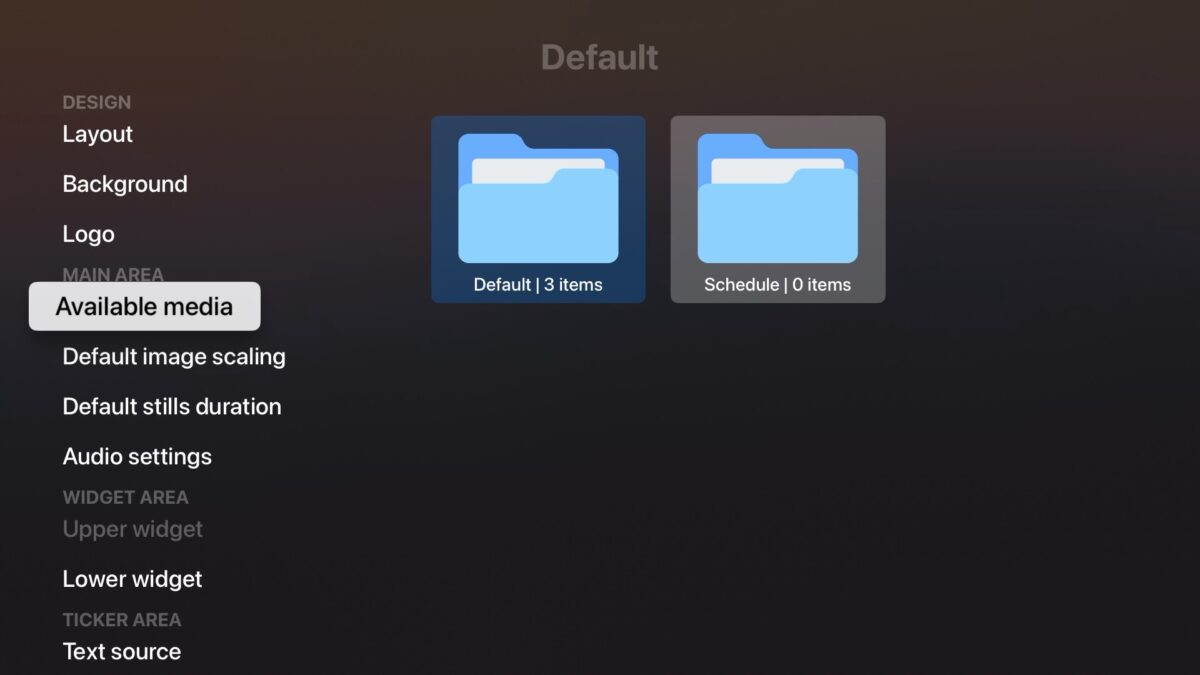
Use your DropBox or OneDrive as cloud storage for your own logo, images, PDFs, and videos. These are then displayed in the well-designed, predefined layouts with the date, time, location, and corresponding weather forecast, depending on your selection.
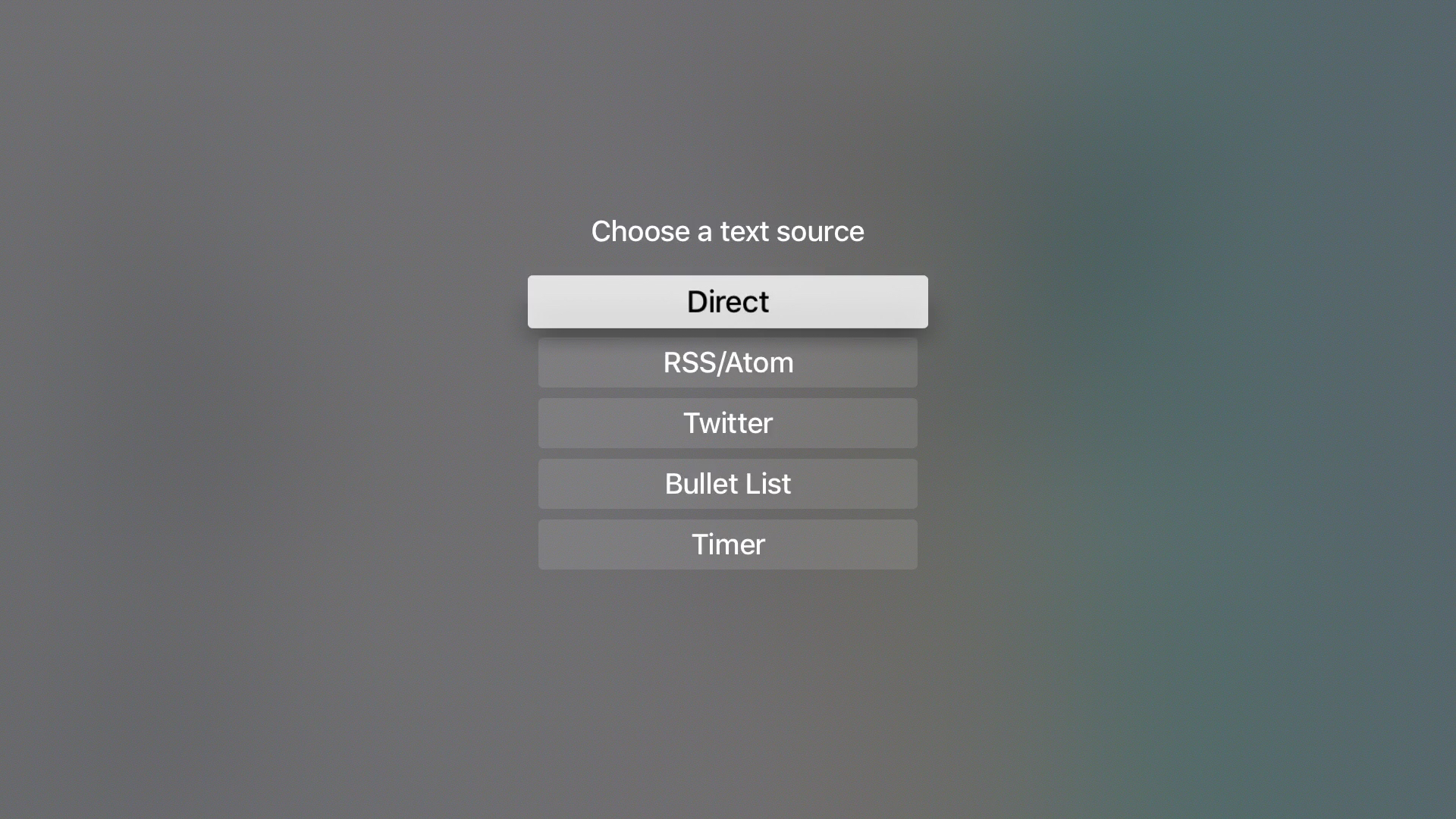
Write your texts for the ticker and widget area. RSS/Atom feeds and calendar data can also be used as texts.
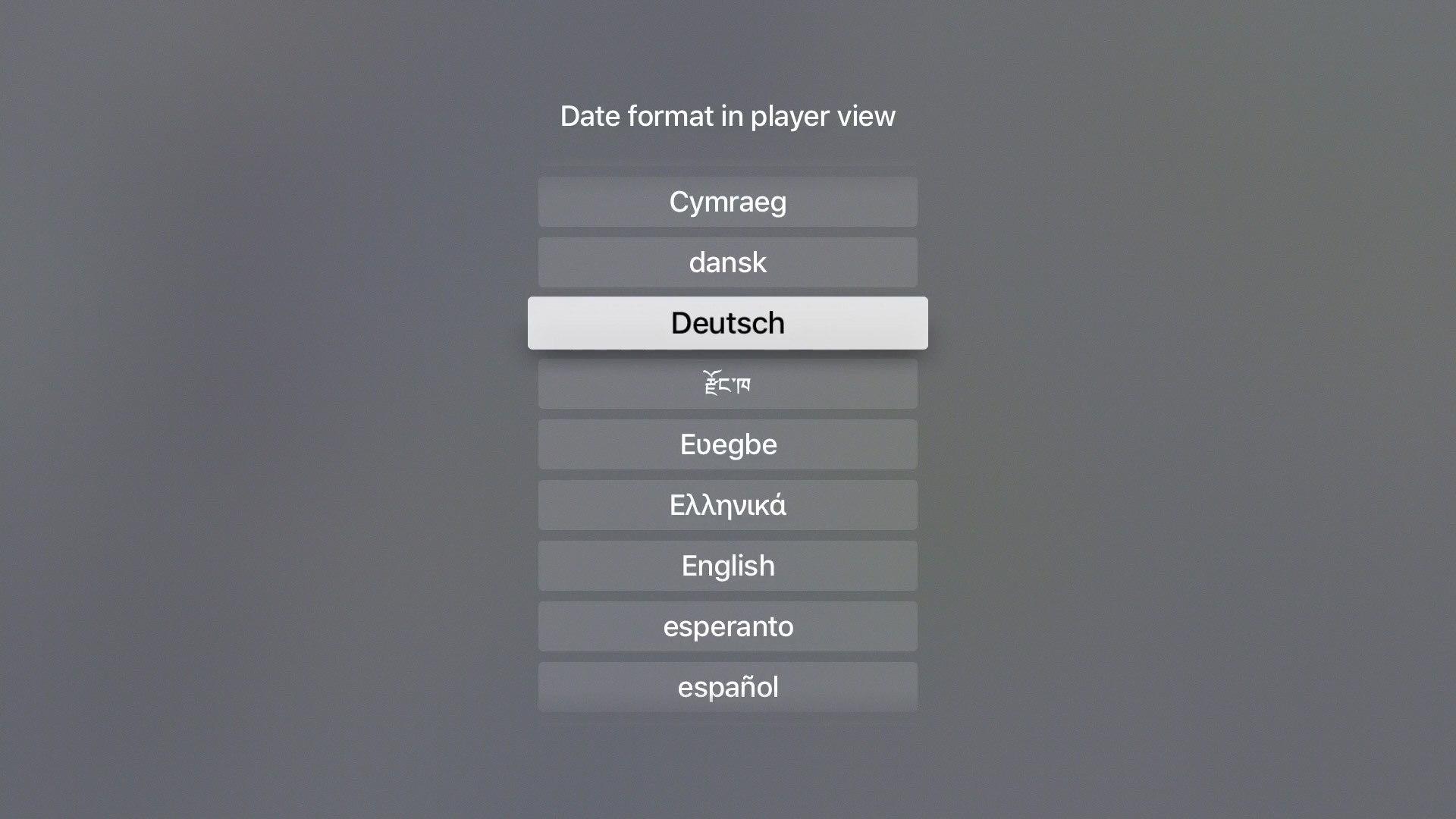
Sigmondo gets the location and language settings from the Apple TV system settings. This allows it to automatically display the date, time, and weather in the set language. This makes the app international.
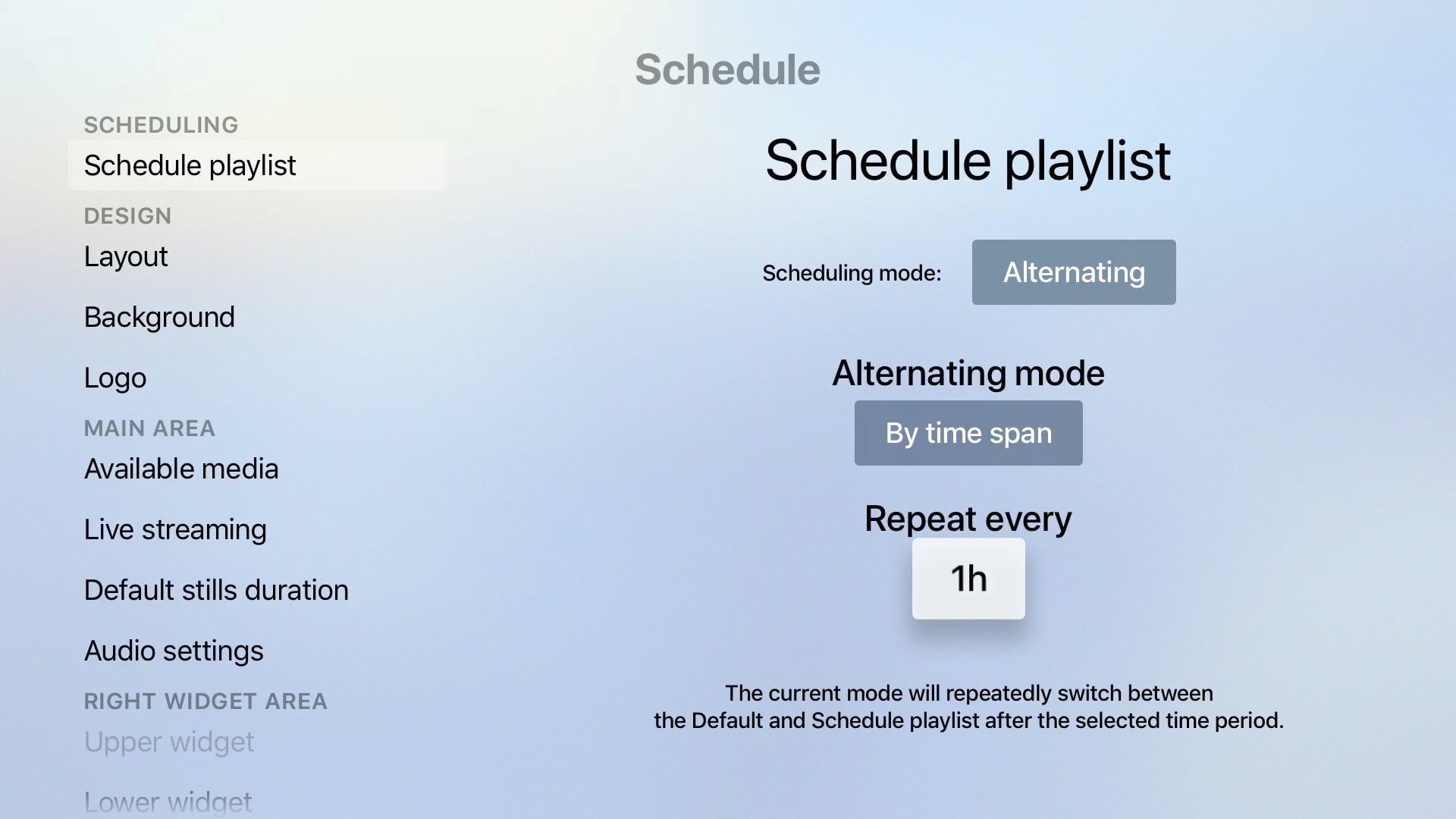
A schedule playlist allows different content to be changed automatically.